

Hello everyone 👋
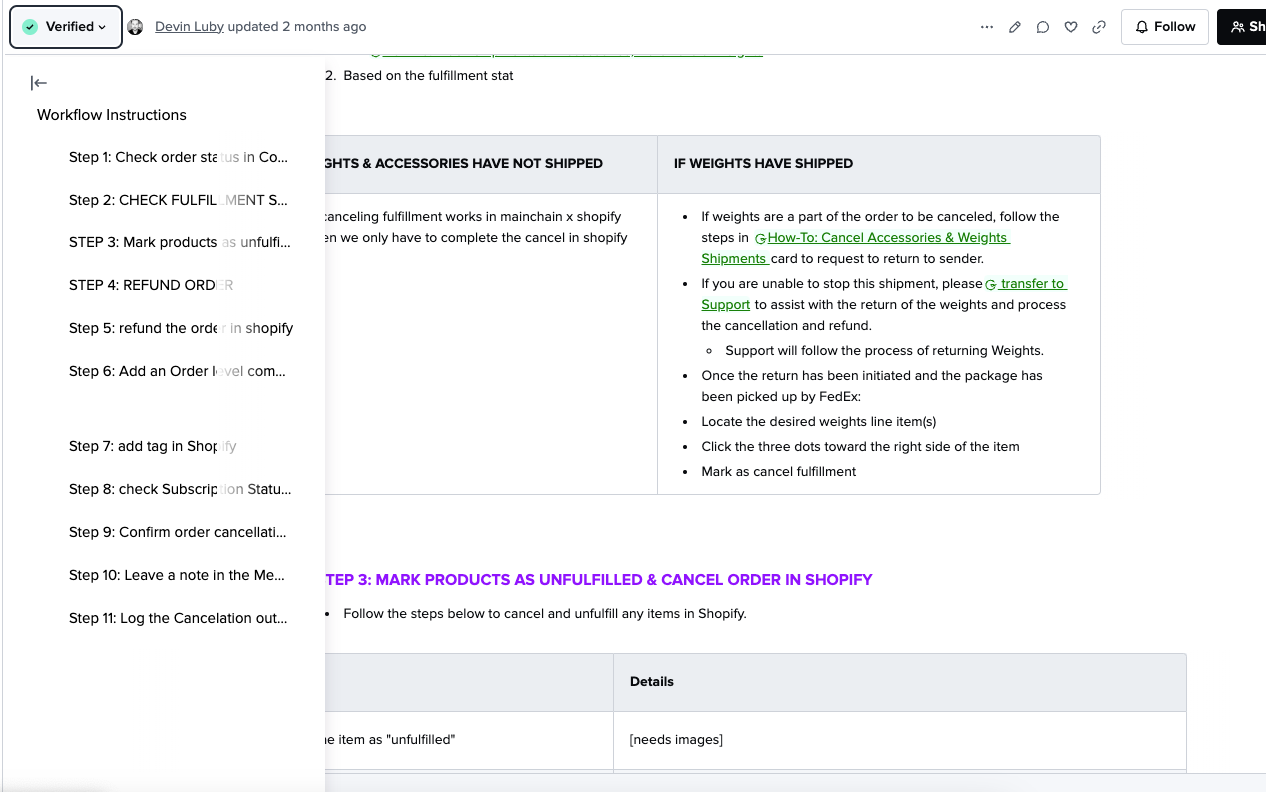
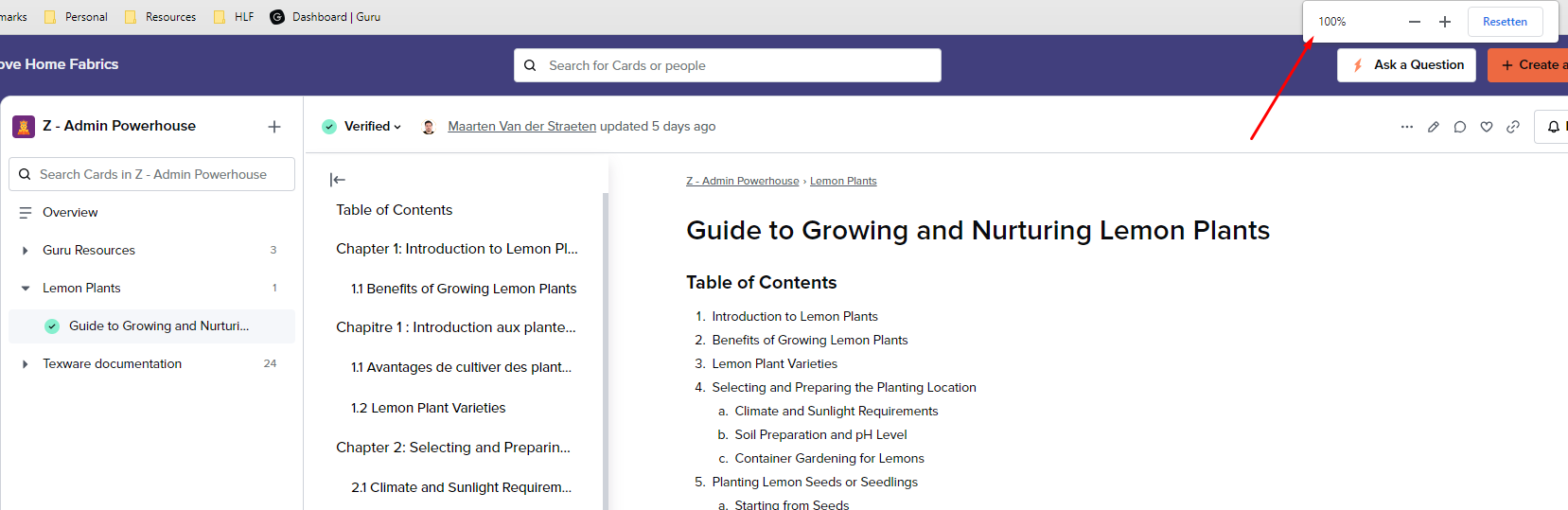
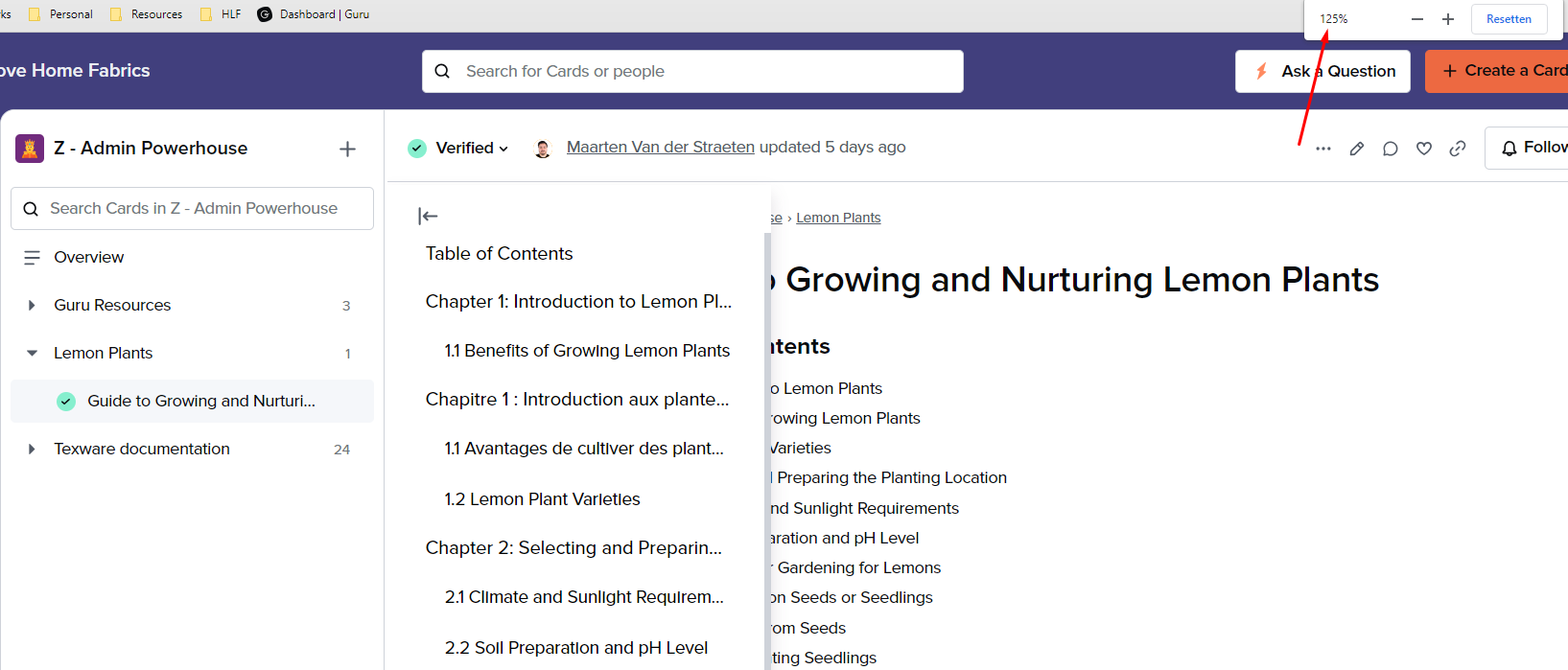
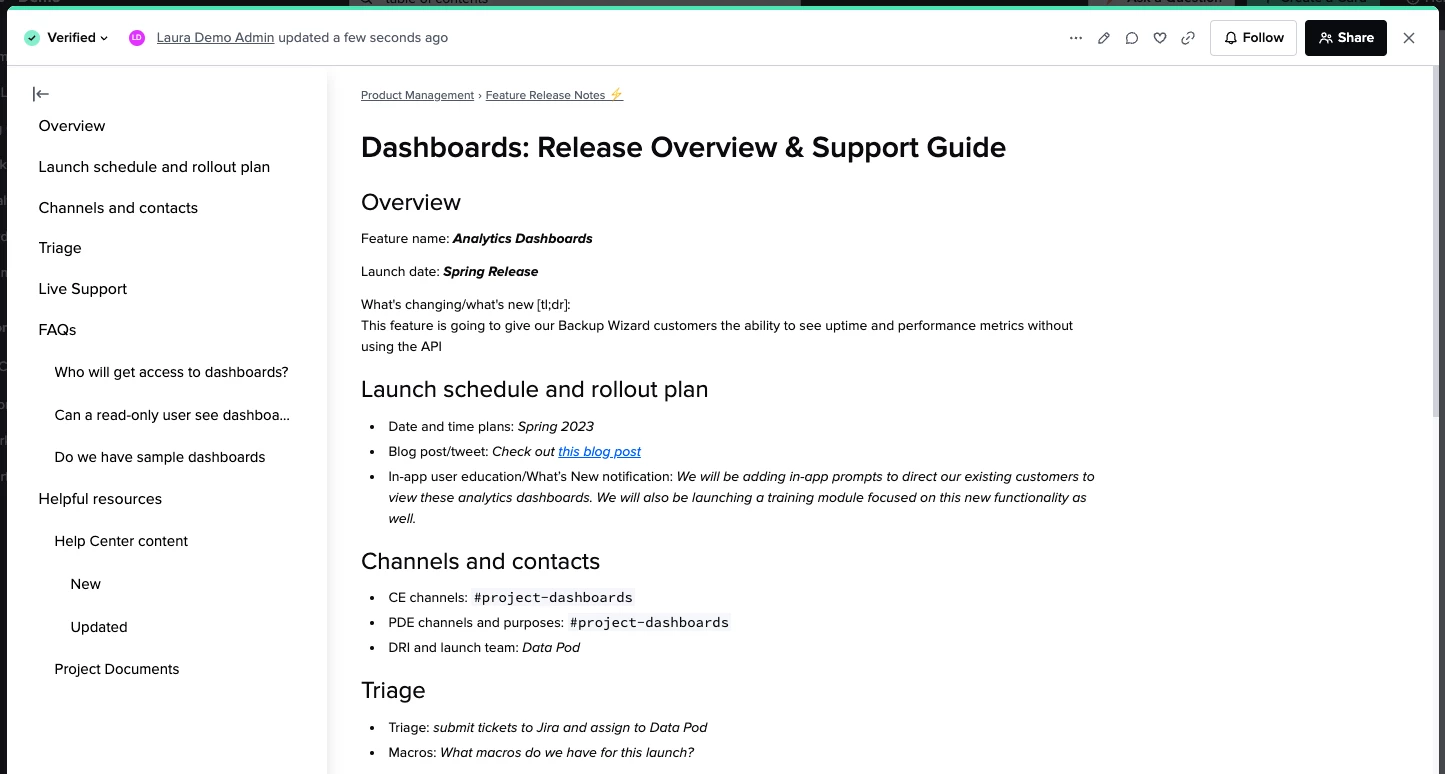
I have a small but mighty update to share: tables of contents can now be automatically added to any Card! You’ve been asking for this feature, and starting today TOCs are automatically added to every Guru Card with at least one heading. This makes your Guru content much easier to navigate, without any extra work for authors. Here’s how it works:
- Format header text using the Guru text editor and a TOC will appear, with nested levels that reflect the levels of headers in your Card.
- Cards that already have headers automatically get TOCs.
- Tables of contents are collapsed by default and can be expanded and navigated by readers using the icon at the top left of a Card.
- TOCs work on public cards.
See Table of Contents in Help Center for more information about the new functionality.
We hope you enjoy using these automatically generated TOCs and use the time savings to do something fun this summer!
Note: TOCs will take a few hours to show up on Public Cards.